


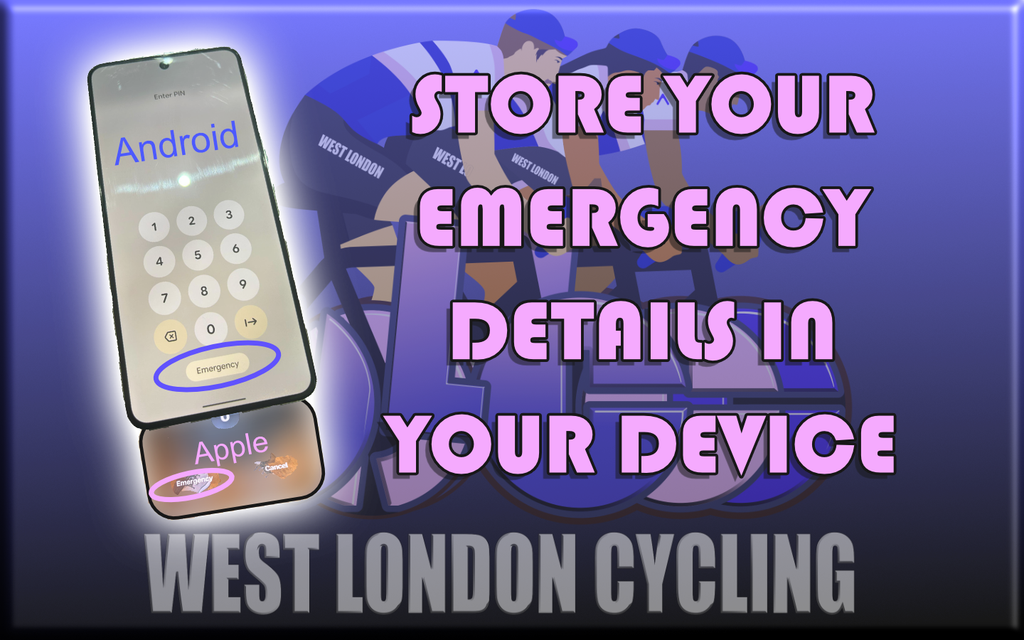
It is a requirement for participation in West London Cycling rides that your emergency details, contacts etc are accessible on your phone / device for the emergency services (or us) in the event of an accident. In fact, we would recommend that everyone does it anyway for everyday life in any event.
HOW TO ADD IN ANDROID
How to Add Emergency Contacts etc
How to Add Emergency Contacts
- Open the Settings app on your phone.
- Tap Safety & emergency.
- Tap Emergency contacts.
- Choose Add contact (or Add member) and select a person from your contact list.
- Make sure the option to Show on Lock screen or Show when locked is turned on so first responders can view them.
How to Add Medical Information
- Open the Settings app.
- Tap Safety & emergency.
- Tap Medical info.
- Enter your details (such as blood type, allergies, medications, and address) and tap Save.
- Toggle on Show on Lock screen.
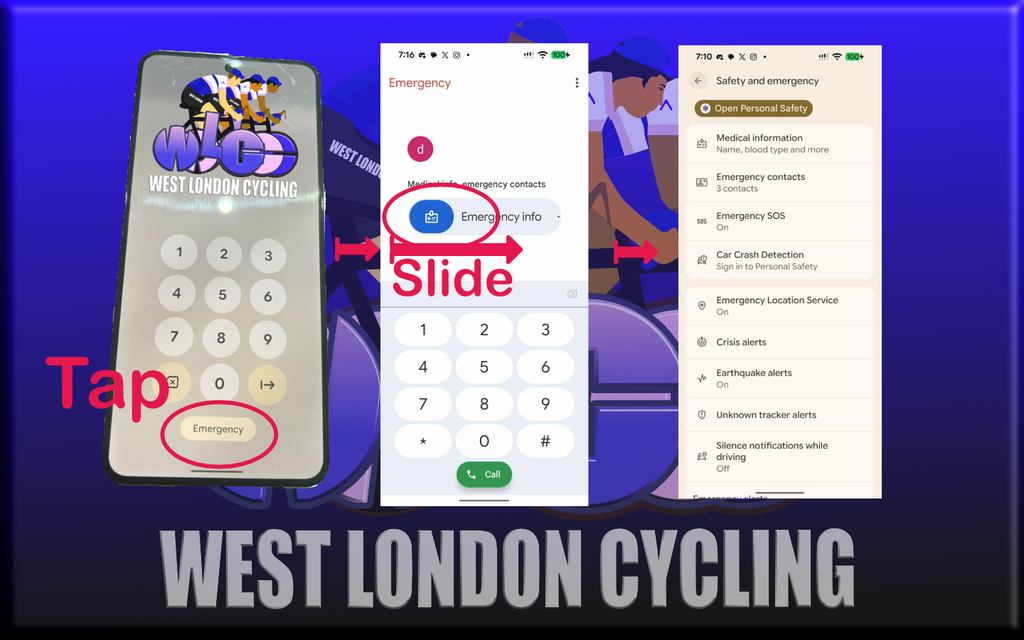
How to Access Emergency Info from the Lock Screen
- Wake up the phone screen.
- Swipe up or tap Emergency call.
- Tap Emergency information (or the green dialpad / medical info icon) to view registered details and call emergency contacts without unlocking the device.
Various phone brands such as Samsung, Google Pixel, or Motorola may look slightly different on your device.
HOW TO ADD IN iPHONE / APPLE
How to Set Up Medical ID and Emergency Contacts
- Open the Health app and tap your profile picture in the top-right corner, or go to Settings > Health > Medical ID.
- Tap Get Started or Edit.
- Toggle on Show When Locked so first responders can view your info from the lock screen without a passcode.
- Toggle on Share During Emergency Call to automatically share your Medical ID with emergency services when you call or text them.
- Enter your critical medical details, such as allergies, medications, medical conditions, blood type, and weight/height.
- Under Emergency Contacts, tap Add Emergency Contact, choose a person from your contact list, and specify your relationship to them.
- Tap Done to save your changes.
How First Responders View It
- On the locked iPhone screen, swipe up on the passcode screen or press the physical buttons to reach the dialer, then tap Emergency followed by Medical ID.
HOW TO ACCESS THE INFORMATION ON ANOTHER PERSON’S DEVICE
.
